
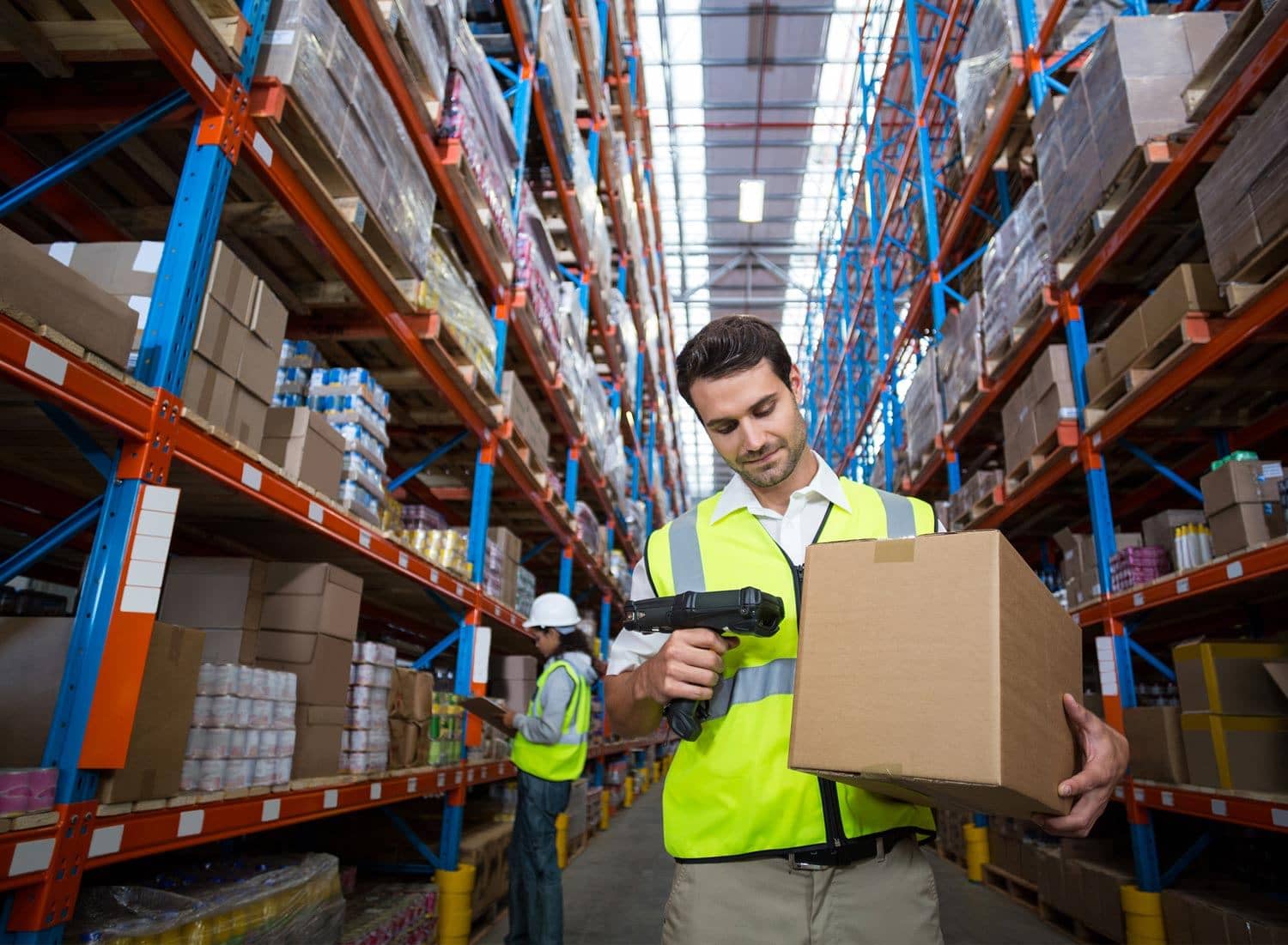
What the WMS does for you
| Area | What it means |
|---|---|
| Warehouse control | The WMS supports receiving, storage locations, picking, packing, stocktaking and dispatch. |
| Traceability | Scanning and registered warehouse events make it easier to follow what has happened to items and orders. |
| Integration | Ongoing has documented connections to webshops, ERPs, shipping tools, marketplaces and its own APIs. |
Everything we do is scanned, and you can follow what happens in your stock and with your deliveries. The system has a user-friendly interface and the flexibility to handle different types of goods flows efficiently.
Setting up the WMS for your goods
- Define the item and order master.
- Connect your systems to the WMS – see integrations.
- Test stock and order data.
- Set user rights and views.
- Follow stock levels and order status after go-live.
Questions to settle before go-live
- Which system is master for item data?
- Which system is master for stock levels?
- Which order statuses should be reported back?
- Is batch, lot or serial number tracking needed? See traceability.
- Which KPIs and reports should be followed? See SLAs and KPIs.
Documentation
Technical integration details change over time; always check the current documentation:
For a broader explanation of what to look for in a WMS for ecommerce, read Ongoing Warehouse WMS in 3PL.